

Bedtime schedule
Block apps at night, automatically
Set your block time, bedtime, and morning unlock once. Every night, Bloky pauses your distracting apps before the scroll starts — no willpower required at 11pm.
iOS & Android · Available Now
Bloky blocks Instagram, TikTok, and every other app that keeps you up — automatically, every night. Set your bedtime once, stop doomscrolling, and wake up rested.
How it works
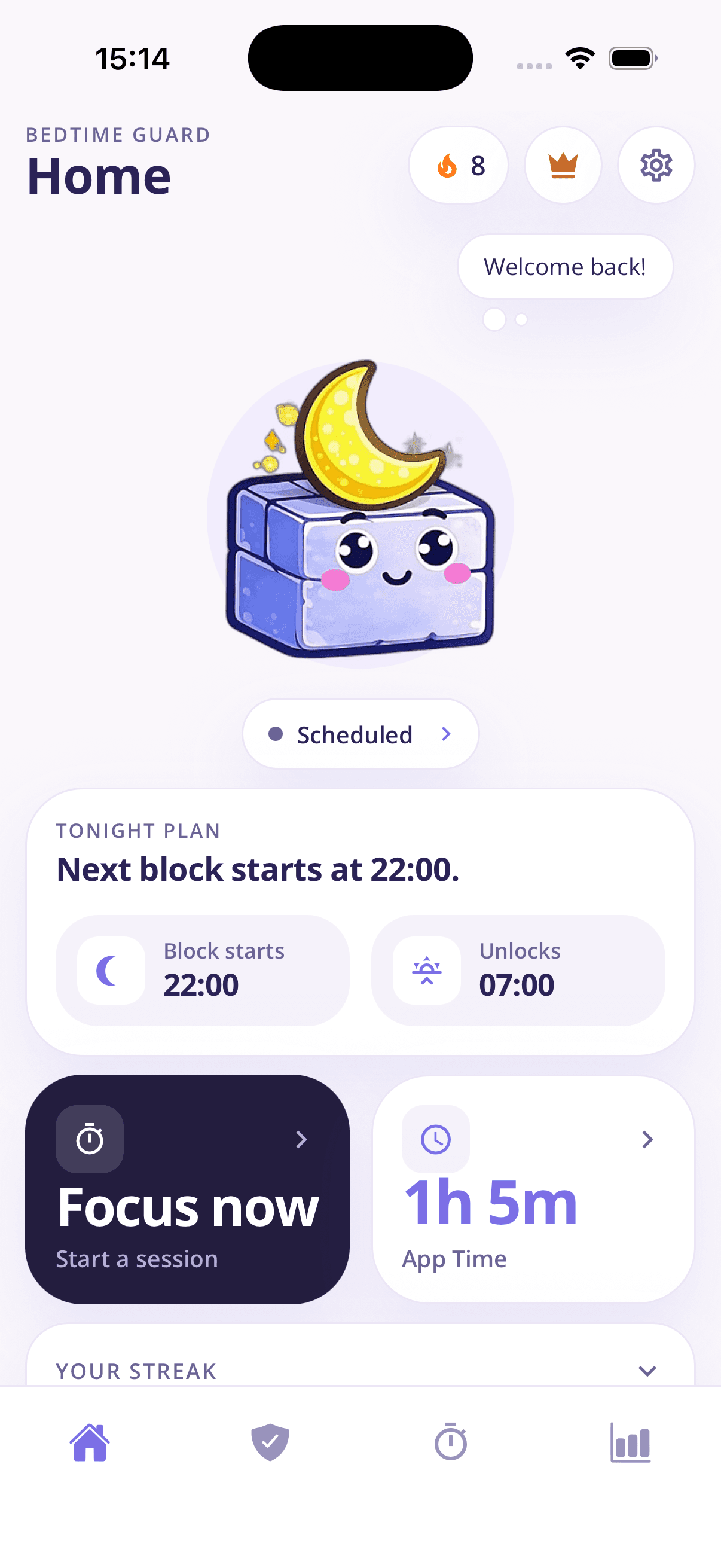
Bloky takes about two minutes to set up, then quietly protects your evenings from then on — no nightly decisions, no negotiating with yourself.
Pick the apps and categories that keep you scrolling — social media, video, games, or anything else on your phone.
Tell Bloky when to block, when bedtime is, and when to unlock in the morning. It runs automatically every night.
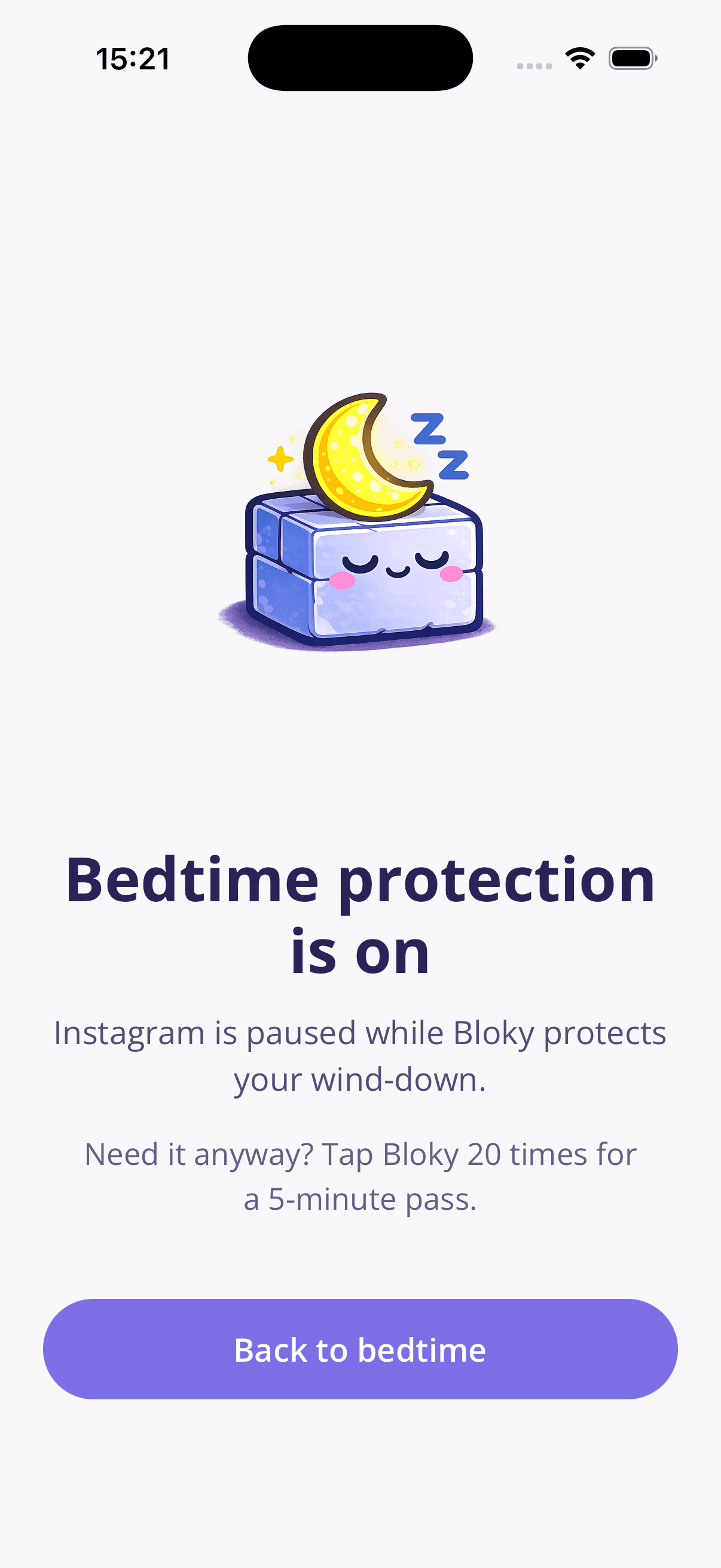
When bedtime comes, blocked apps show a gentle pause screen instead of a feed. Build a streak and watch screen time fall.
What Bloky does
A bedtime schedule that runs itself, instant focus sessions for the day, and a weekly report that proves your screen time is falling.
Bedtime schedule
Set your block time, bedtime, and morning unlock once. Every night, Bloky pauses your distracting apps before the scroll starts — no willpower required at 11pm.
You choose what's blocked
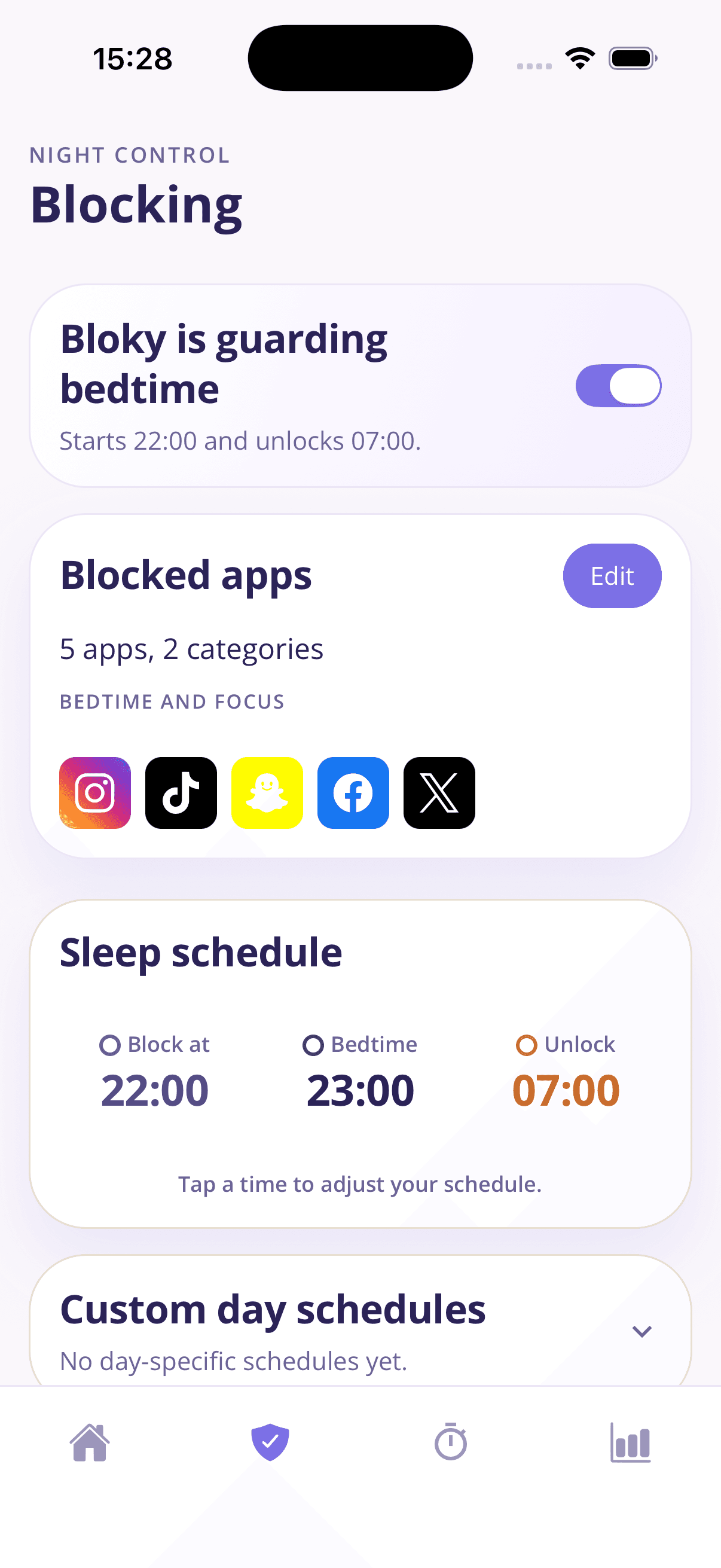
Block Instagram, TikTok, Snapchat, X, or whole categories at once. Set the schedule per day, so weeknights and weekends can look different.
Focus sessions
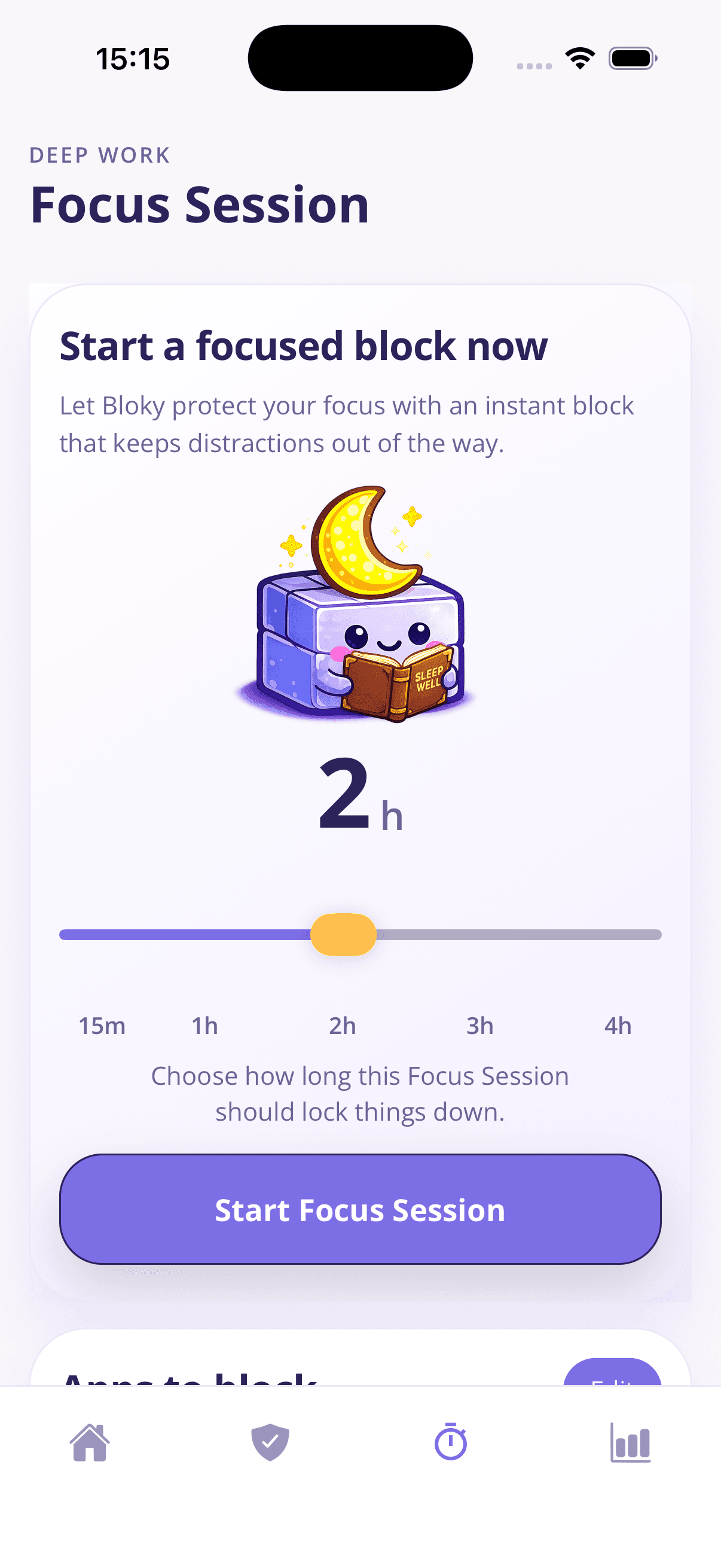
Need to study, work, or just be present? Start a focus session from 15 minutes to 4 hours and Bloky keeps your chosen apps quiet until it ends.
See real progress
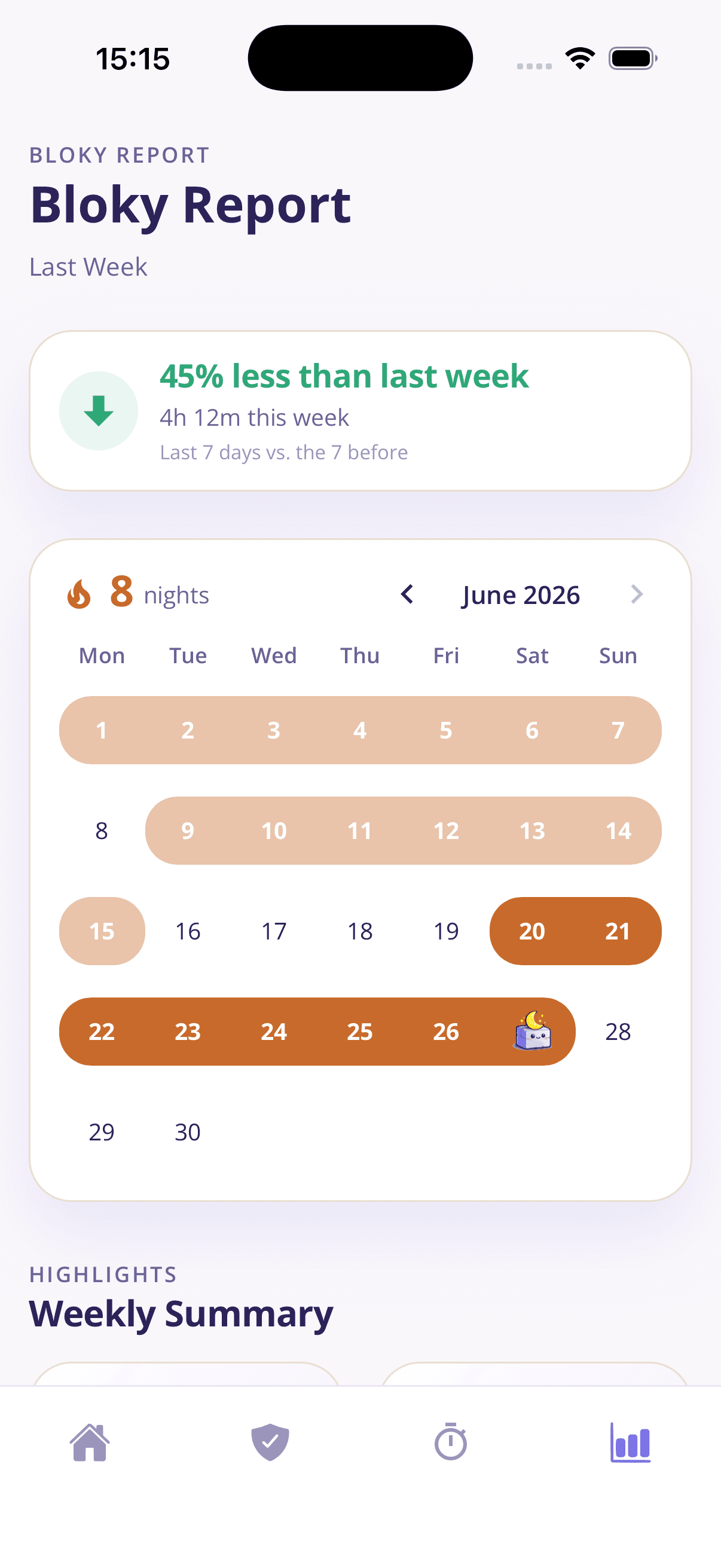
The weekly Bloky Report shows your app time versus last week, your streak of protected nights, and the patterns behind them — proof it's working.
A pause, not a padlock
Really need a blocked app? Tap Bloky 20 times for a 5-minute pass. That small moment of friction is usually all it takes to choose sleep instead.
Why it works
Every "just five more minutes" is a decision made by a tired brain against an algorithm built to win. Bloky changes the game instead of asking you to try harder.
When the feed isn't an option, bed becomes for sleeping again. Bloky removes the single biggest obstacle between you and an earlier night.
You set the rules at 3pm when you're rational, and Bloky enforces them at 11pm when you're tired. Decisions move to the version of you that sleeps well.
Built-in screen time limits die by the "Ignore Limit" button. Bloky's 20-tap pass makes opening an app a deliberate choice, not a reflex.
A friendly mascot, streaks for protected nights, and a weekly report that celebrates progress. Bloky helps you change habits without shame.
The same blocking engine powers instant focus sessions for deep work, study, and screen-free evenings — 15 minutes to 4 hours.
No account needed. Bloky doesn't keep a database of your personal data — your habits stay on your phone.
Bloky adapts to the habit you're trying to break. Start with the problem that sounds most like yours.
Set a nightly schedule that blocks distracting apps at bedtime and unlocks them in the morning.
A strict-but-kind app blocker built around sleep, focus, and real behaviour change.
Break the late-night scroll loop with scheduled blocks and gentle friction.
Pause Instagram, TikTok, Snapchat, and more during the hours that matter.
Rebuild your relationship with your phone using schedules, streaks, and reports.
Start a 15-minute to 4-hour focus session that locks distractions away instantly.
Practical, no-fluff guides on scrolling, sleep, and screen time — whether or not you use Bloky.
A realistic bedtime routine for adults who currently 'wind down' by scrolling: a 60-minute template, why routines fail, and how to make yours automatic.
How screens actually affect sleep — it's less about blue light than you think. What the research says, how long before bed to stop, and what genuinely helps.
Block Instagram at night, during work, or on a schedule — every method for iPhone and Android compared, and why scheduled blocking beats quitting cold turkey.
Every way to block TikTok: built-in screen time limits, TikTok's own tools, and scheduled app blockers — with honest notes on which ones actually hold.
Staying up late to reclaim 'me time' — then paying for it all day? What revenge bedtime procrastination is, why it happens, and a realistic plan to stop.
Can't stop scrolling in bed? A practical 5-step plan: why willpower fails at night, how to set a digital sunset, and how to make the change stick within a week.
Everything people ask before their first night with Bloky.
Download Bloky
Download Bloky, pick your apps, set your bedtime, and let it handle the rest. Your first streak starts tonight.
Free to download on the App Store and Google Play. Premium includes a 3-day free trial.